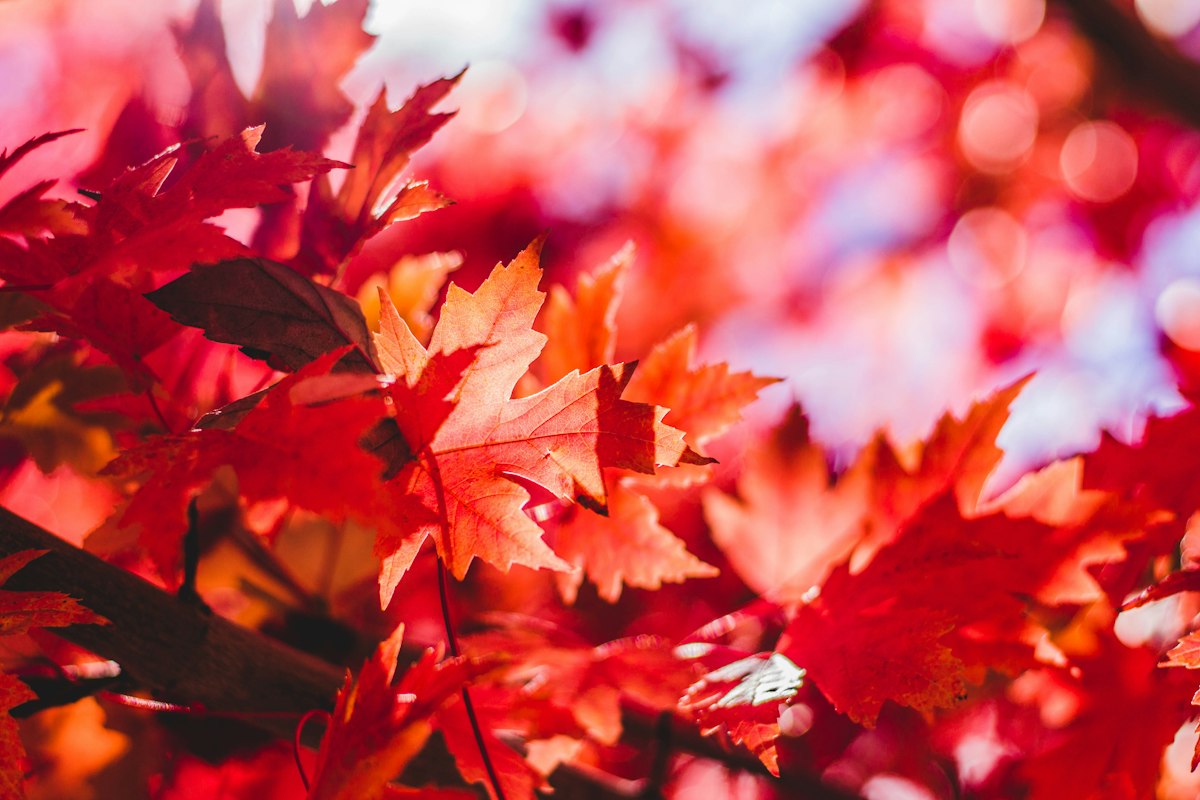
The trees look good. Your phone picture looks like a wall of orange with a strip of white sky. Taking another photograph from exactly the same spot usually gives you another version of the same problem.
Give your next walk a small assignment instead: come home with five different pictures—one scene, one detail, one backlit leaf, one pattern, and one view from a different height. You can do it in a neighborhood, a park, or your own yard, using the phone you already have.
This is a photography exercise, not a hunt for a famous overlook. Fall color varies by location and weather. If your trees are already bare, use fallen leaves, seed heads, bark, and branch shapes. If color has barely started, look for one changing branch.
Set up once, then look at the scene
- Wipe the camera lens with a clean microfiber cloth. A fingerprint can make a bright scene look hazy.
- Start in ordinary Photo mode at 1×, with filters off. Use the main camera for this exercise so you can compare shots without changing lenses.
- Stop walking before composing. Hold the phone with both hands, keep your elbows comfortably close, and press the shutter gently.
- Tap the subject to place the focus where you want it. If the preview looks too bright, lower the camera’s exposure or brightness control a little and take a comparison shot.
On an iPhone, tap the focus area and move the exposure control beside it up or down. You can also use the camera’s Exposure control. Apple explains the controls in its camera tools guide. Android layouts vary by phone and camera app; look for an exposure or brightness slider rather than assuming the iPhone gesture applies.
1. The scene: give the color a place
Choose a view with something that leads the eye into it: a path, fence, row of trunks, or bend in a garden bed. Put that feature into the frame deliberately rather than filling the whole picture with distant foliage.
Take two versions. In the first, include the whole view. In the second, change your position or angle to remove a distracting sign, parked car, or large patch of blank sky. Stay on permitted paths and out of traffic. Compare which picture has a clearer subject.
If the sky turns white: try including less sky before darkening the entire image. You are allowed to leave the sky out altogether.
2. The detail: make one leaf the subject
Find a leaf with an interesting edge, vein pattern, or mix of colors. Use one already resting somewhere, or photograph it on the tree without picking it. Position it against a simple background, such as dark bark or a quieter patch of ground.
Move closer only while the phone can still focus. Tap the leaf, take the picture, then check whether the veins are sharp. If the camera keeps blurring or hunting for focus, back away a little. You can crop later; you do not need a macro attachment for this exercise.
What to compare: does the leaf stand out immediately, or are twigs and other leaves competing with it? Try a small sideways move before taking more pictures.
3. The light: let a leaf glow
Look for sunlight shining through a leaf from behind or to one side. Frame the leaf without pointing directly at the sun. A nearby trunk or your position can keep the bright sun itself outside the picture.
Tap the lit leaf and take one picture at the camera’s chosen brightness. Then make a slightly darker version. Look for visible veins and color in the bright areas, rather than a pale shape with no detail. Keep whichever version you prefer.
No sunshine? Use an overcast day to photograph a leaf’s color and surface evenly instead. The assignment is to notice the light you have, not wait for a particular forecast.
4. The pattern: fill the frame
Photograph repeated shapes: overlapping fallen leaves, a line of bare trunks, or branches crossing a plain sky. Look for one thing that breaks the pattern—a yellow leaf among brown ones, for example—and decide where it belongs in the frame.
Take a wide version, then a tighter one that removes the surrounding clutter. With a leaf-covered patch of ground, a picture straight down can work well. Keep your footing secure and avoid leaning over water, roads, or steep edges for a shot.
What to compare: is the pattern obvious without an explanation? If not, simplify the frame.
5. The viewpoint: change your height
Return to a subject you have already photographed. Take it once from your usual standing or seated position, then again from a different comfortable height or angle. You might hold the phone lower beside a path or point it upward through branches.
You do not need to kneel or get onto the ground. A small change can remove a busy background or make a nearby leaf more prominent. Choose positions that suit your mobility and the surface underfoot.
The point of this shot: discover whether the camera position improves the picture more than another filter would.
Save this five-shot field card
- □ Scene: a path, fence, or row of trees gives the color a place.
- □ Detail: one leaf, sharp and separated from its background.
- □ Light: backlit veins, or even color on a cloudy day.
- □ Pattern: repeated shapes with the clutter cropped out.
- □ Viewpoint: the same subject from two comfortable heights or angles.
Take a screenshot of this list before leaving. You can make several attempts at each assignment; the goal is five keepers, not a limit of five shutter presses. Stay in permitted areas, leave plants and wildlife undisturbed, and check local access notices before using woodland trails during hunting season.
Finish by choosing, not just collecting
Back home, pick one photograph from each assignment. Check sharpness at a larger size, then crop distracting edges and straighten a tilted horizon where needed. Make small brightness changes before reaching for strong color effects.
If you use Google Photos, its editing guide covers cropping and adjustments such as brightness, white balance, and saturation. The controls and available features vary by device and app version. Keep the original so you can compare your edit.
Put the five keepers in one album. Notice which change helped most: a simpler background, less sky, different light, or a different camera position. On your next walk, repeat that one technique with a new subject.
If you want to share a result, add one photograph in the comments on the H&H Facebook post and say which assignment it came from. Leave out location details you would rather keep private.
Get free Hobbies & Homes email updates for more practical things to try outdoors and at home. You can unsubscribe at any time.
Featured photograph: Jeremy Thomas / Unsplash. This is an illustrative stock photograph, not a photograph taken during the H&H exercise or a claim about what a particular phone will produce.


Leave a Reply